
When using M365 apps, you don’t have to stick with the customary Microsoft branding. Upgrade how professional you appear to both staff and external contacts by infusing your M365 setup with your company branding, giving a more consistent image online.
In our work with clients, we find that larger enterprises routinely use this feature while SMEs don’t even know it exists. That leaves smaller companies at a disadvantage: they can just as easily make use of Microsoft’s branding opportunities to upgrade their professional image online and sharpen their competitive edge, if only they had known what’s possible and how easy it is.
That’s why we’ve distilled our expertise into one, handy PDF to guide you or your IT lead through the settings and how to use them. Complete the form below and your very own copy of the guide will be emailed to you.
By sending us your information you agree to our Privacy Policy.
We will also keep you up to date with our latest ideas and guides and you may unsubscribe at any time.
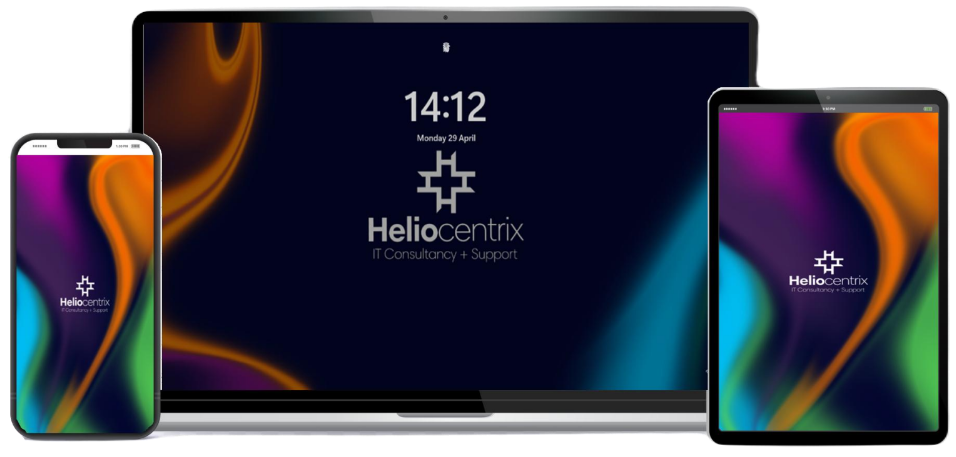
Why use Microsoft 365 branding opportunities?
Maybe you’ve recently switched over to M365 to improve productivity and streamline operations, like our client, Brooknight Security? Or you may have been using M365 for years and got used to the standard Microsoft branding? Either way, personalised branding options are available to you.
They allow you to add your company logo, change headers and footers, change background colours and images, change text and icon colours, and more. All this allows you to implement your branding across the places your staff and your clients interact with you.
Here are a few benefits of customising your branding within M365:
- Protect against phishing scams with branded login pages, making it easier for users to spot anything that isn’t right.
- Instantly reassure clients and other external users they are in the right place.
- Strengthen your brand identity, making your company more memorable.
- Provide a smooth and consistent experience for employees as they use different M365 apps for their work.
- Increase employee engagement and pride by reinforcing the company brand and values at each touch point.
What can you customise?
Here are the main services and areas that can be customised. This typically involves including your logo, using your brand colours, consistent language and creating a consistent, branded presence.
If you’d like any more detail on any of the following, please get in touch – our friendly technicians will be happy to help.
- M365 log-in screen
- M365 Portal
- Microsoft Teams
- Company Portal
- SharePoint
- Branding guidelines page
- Wallpapers
- Office templates
- Viva Engage
- Email signatures
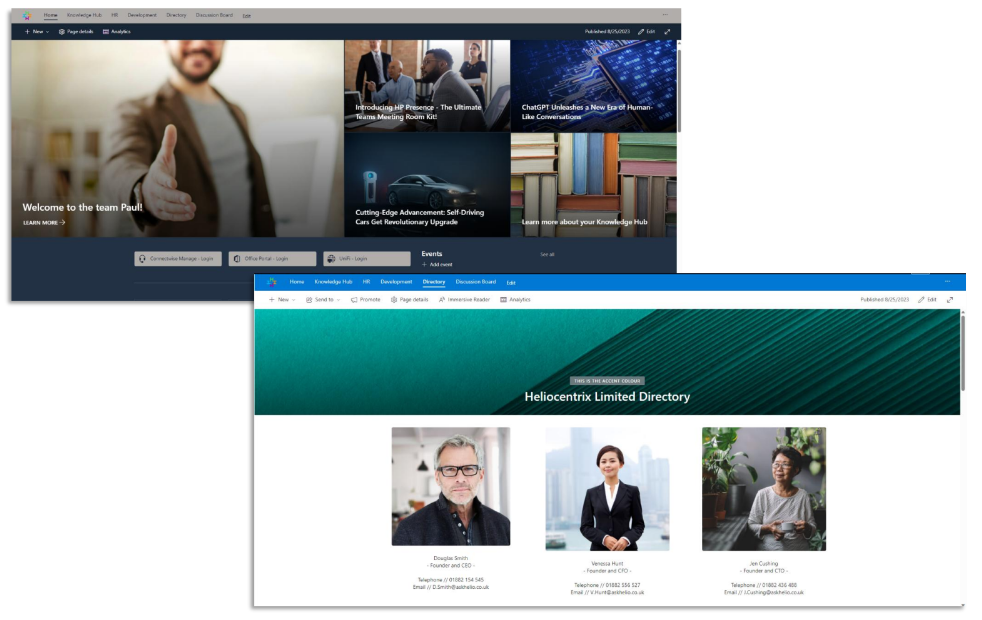
Your M365 branding customisation guide
One challenge for SMEs is finding the time to update all the settings across all the apps you’re using, which may include Log-in screens, M365 Portal, Company Portal, SharePoint, Teams, and more.
That’s why we’ve put it all into one, easy to reference PDF.
Complete the form below and we will email you a copy of the guide.
By sending us your information you agree to our Privacy Policy.
We will also keep you up to date with our latest ideas and guides and you may unsubscribe at any time.